Toddlers
Tap a space and it fills with color. No steady hand needed, and the outlines stay on top so every picture looks good. Our toddler coloring tips help grown-ups join in.
Color Garden is built for ages 3 to 8: big friendly buttons, nearly 300 original pictures, tools that grow with your child, and nothing in the kids' area that sends them anywhere else.
Whether you are shopping for a toddler or a seven-year-old, a good coloring app on iPad should have:
That is the checklist we built Color Garden against.
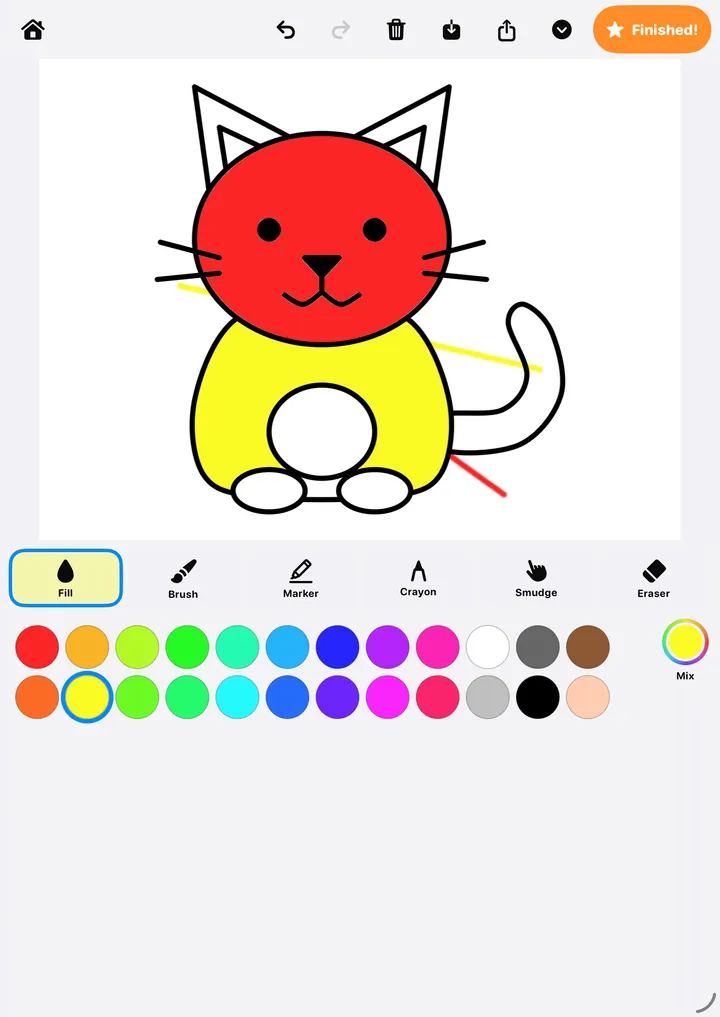
Tap a space and it fills with color. No steady hand needed, and the outlines stay on top so every picture looks good. Our toddler coloring tips help grown-ups join in.
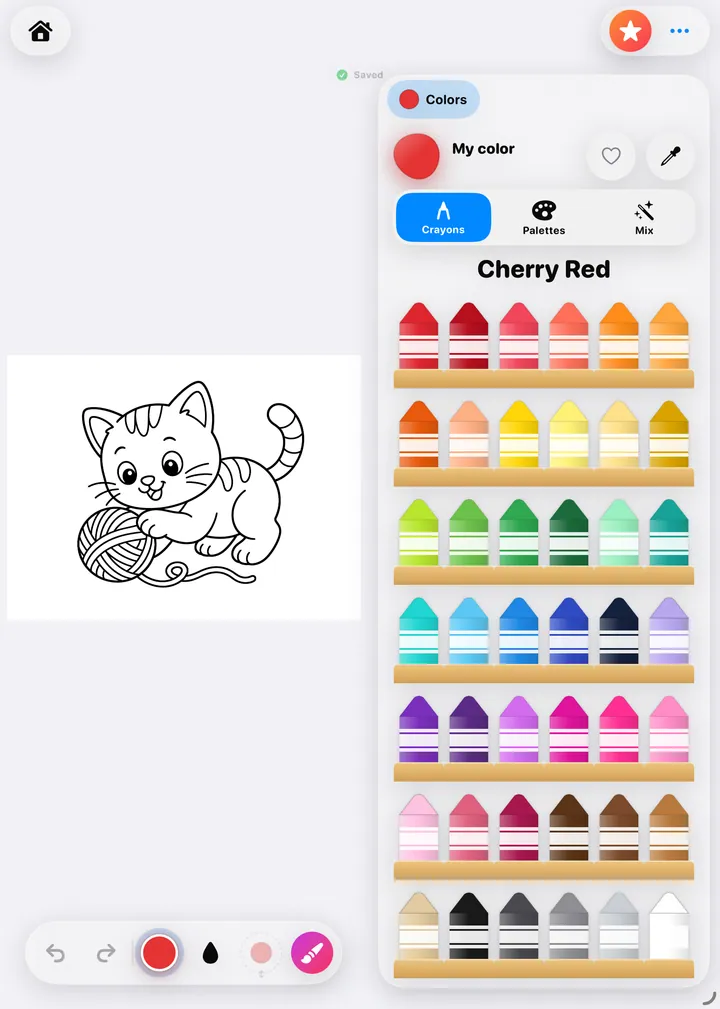
Crayon, marker and brush tools, color wheel, palettes and an eyedropper. Paint by number adds a number-and-color game. Story mode adds reading and listening.
Apple Pencil pressure and tilt, smudge for blending, symmetry, and Detailed pictures with lots of small shapes to fill.
Colors, brushes and tools are never locked. The free version includes a starter set of pictures in every world. Premium adds the rest of the pictures, and your saved drawings always stay yours.
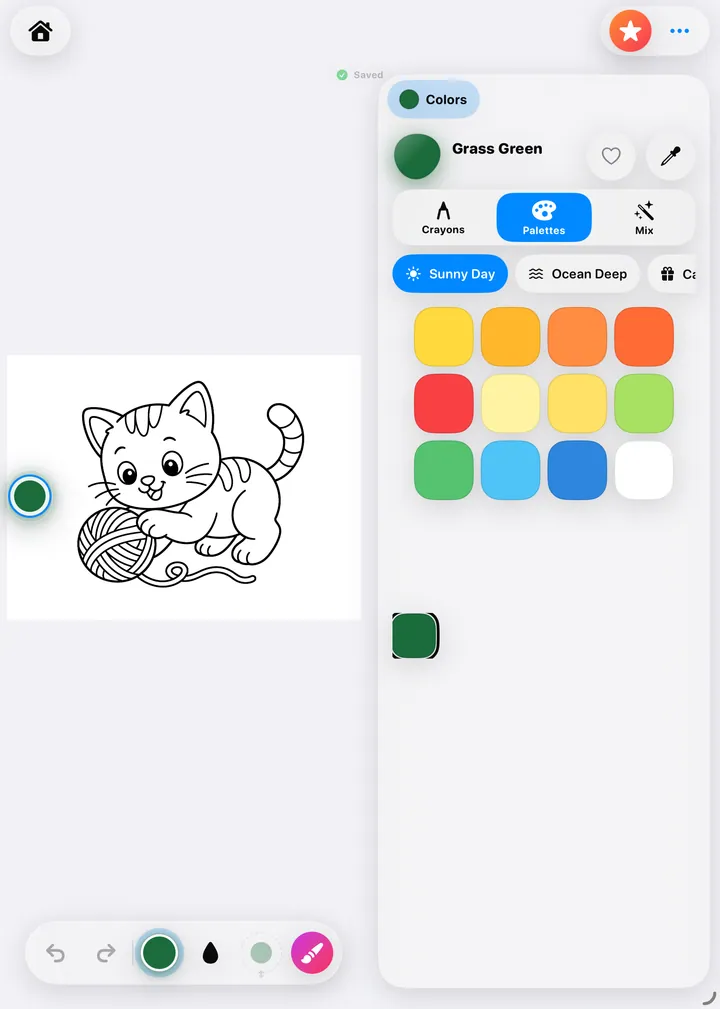
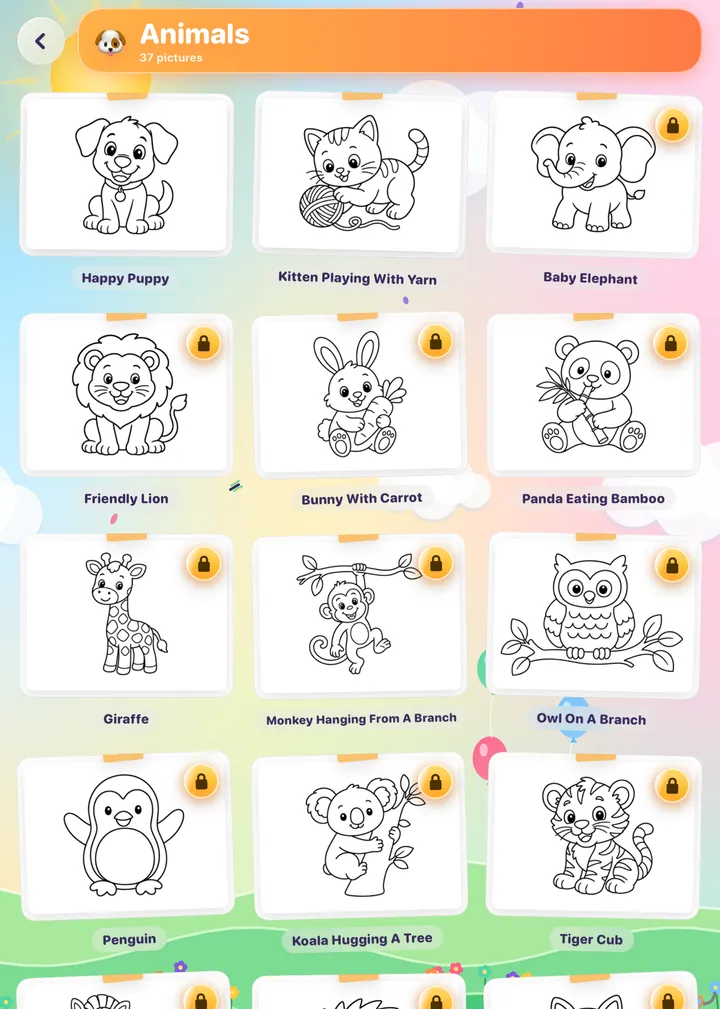
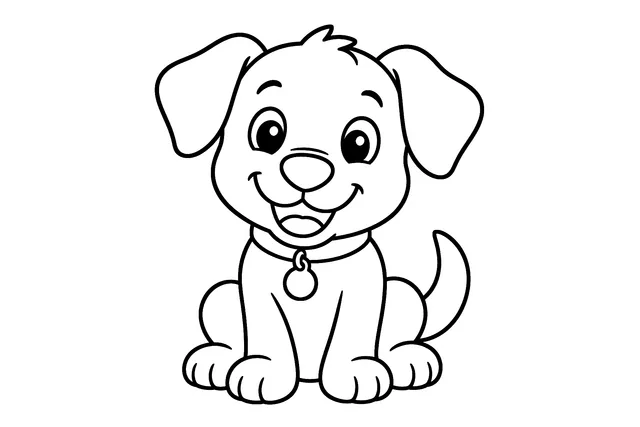
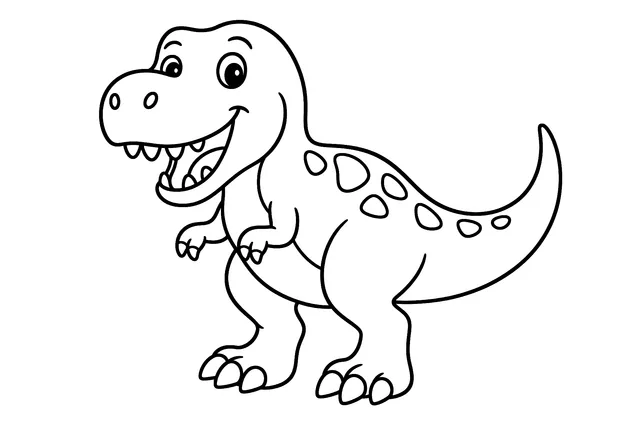
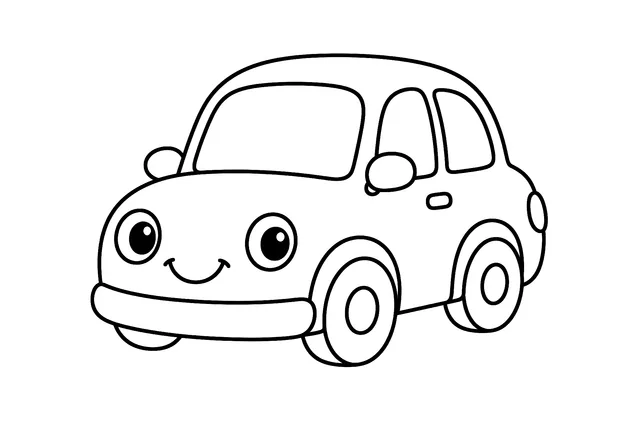
Animals, dinosaurs, vehicles, ocean, fantasy, space, farm and food, all drawn in one friendly style.
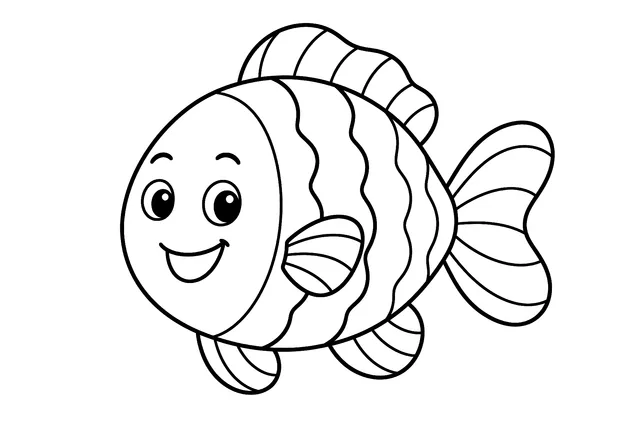
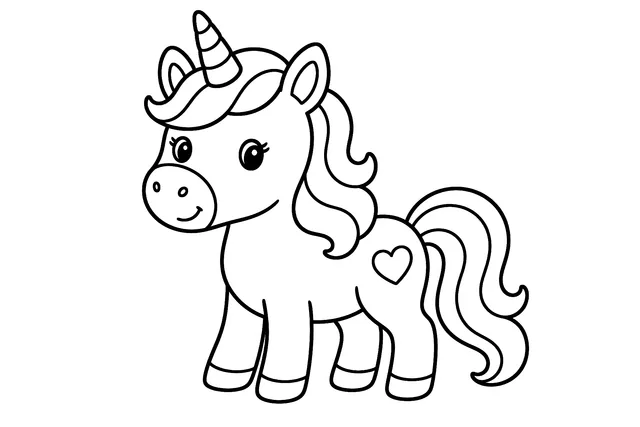

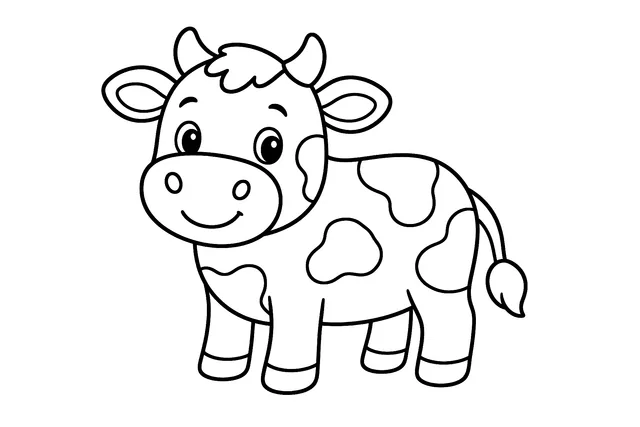

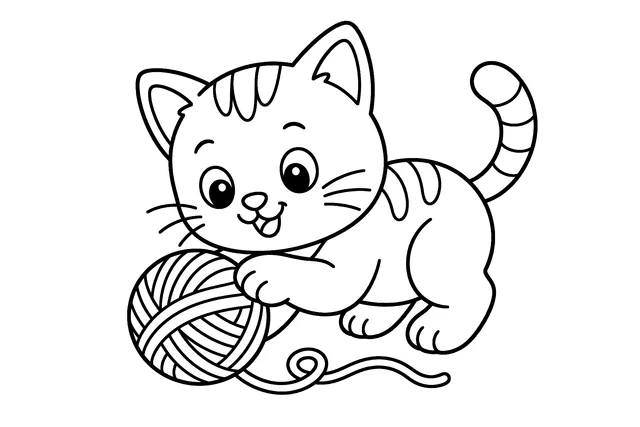
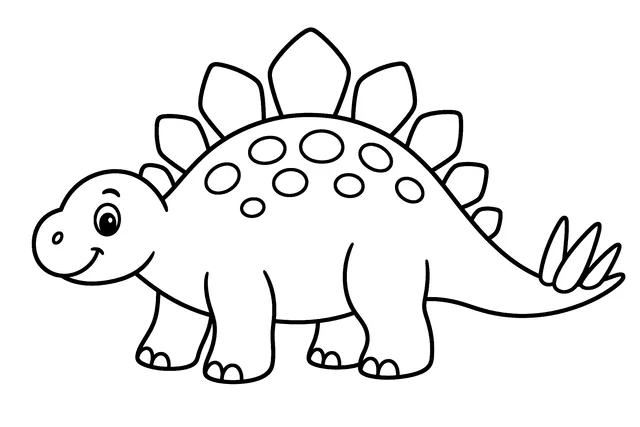
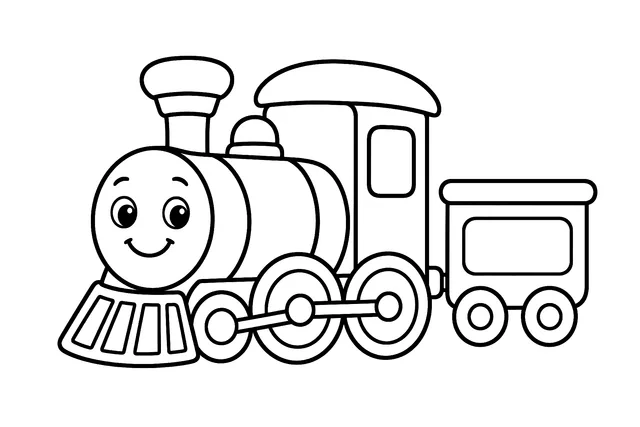

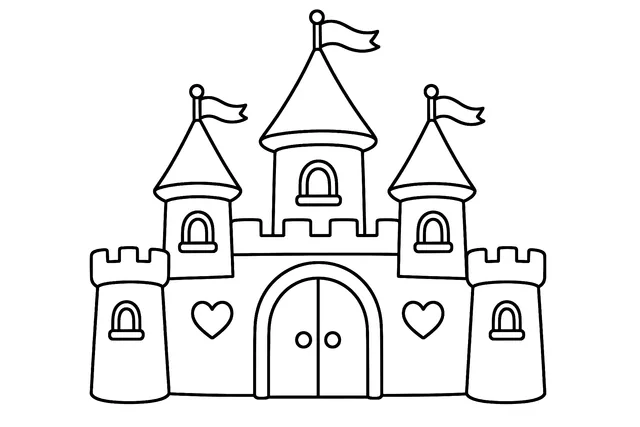
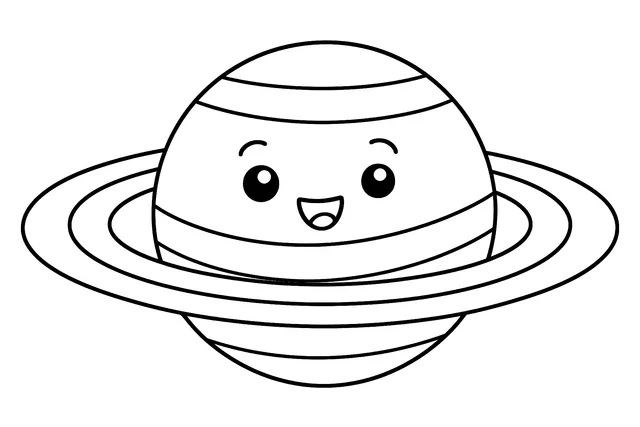

Want something no app has? Turn your own photos into coloring pages, or follow Dabby and Hank in story mode, or try paint by number.
Children color pictures that are built into the app. There are no accounts, no ads, no tracking and no links out of the kids' area. The Grown-ups area, behind an adult check, holds purchases, settings and the optional photo feature. See exactly what leaves the device.
iPad and iPhone running iOS or iPadOS 18 or later. Apple Pencil works on iPads that support it, and fingers work just as well.
It is free to download. A good set of pictures and every tool, color and brush are free. A Premium subscription ($3.99 a month or $19.99 a year, with a 7-day free trial) unlocks all of the pictures. Turning your own photos into coloring pages is separate: every account gets 2 free photo pages to try, then uses optional credit packs. Prices shown are planned US prices; the App Store shows the final price before you buy.
Only grown-ups. Everything that costs money or sends anything off the device sits behind an adult check: a short challenge that is easy for an adult but hard for a young child, or use Face ID, Touch ID or your passcode if you turn that on.
Yes, any time in your Apple Account settings. Apple handles billing and renewals. Your own saved drawings stay yours.
Color Garden is coming soon to the App Store for iPad and iPhone.
Coming soon to theApp Store
Coming soon to the App Store. Questions? support@colorgardenapp.com