Tap to fill
Tap a space and it fills with color. The outline always stays on top, so colors never cover the drawing. Toddlers get a great result in seconds.
Color Garden is a coloring app for kids on iPad and iPhone. Tap to fill, color with Apple Pencil, follow Dabby and Hank through story adventures, and let a grown-up turn the family photos into coloring pages made just for your child.
Coming soon to the App Store. Questions? support@colorgardenapp.com





Real examples from the app. Drag the handle to compare.
Quick to start, calm to use, and nothing in the kids' area that leads anywhere else.
Tap a space and it fills with color. The outline always stays on top, so colors never cover the drawing. Toddlers get a great result in seconds.
Crayon, marker, brush and smudge. Pressure and tilt shape the stroke with Apple Pencil, and fingers work just the same. A "stay inside the lines" mode helps new colorers.
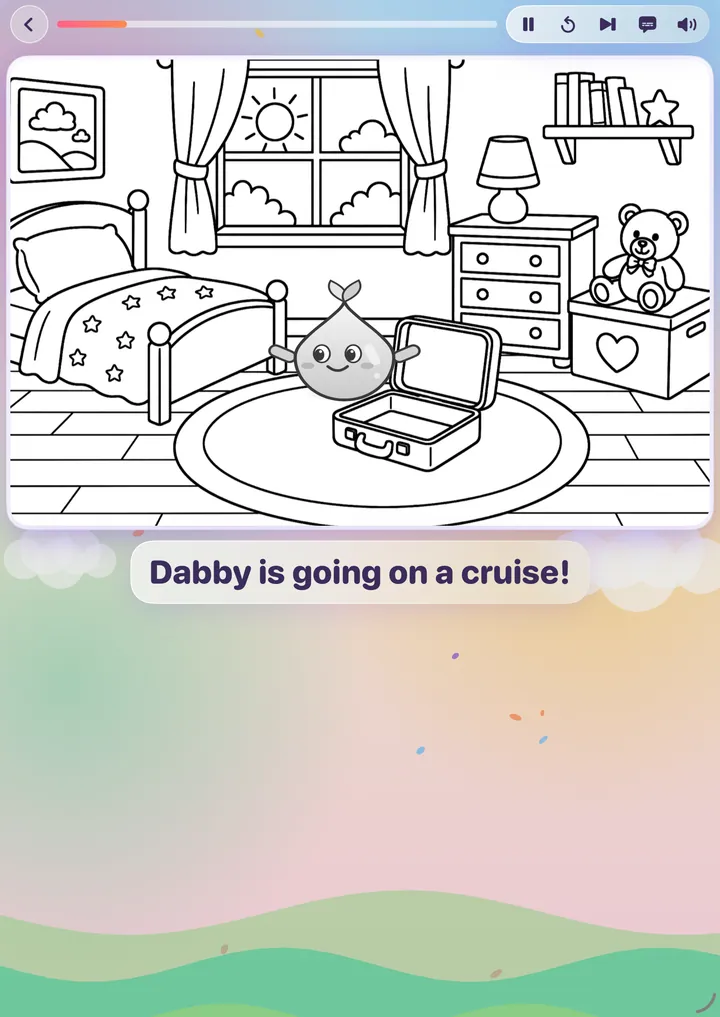
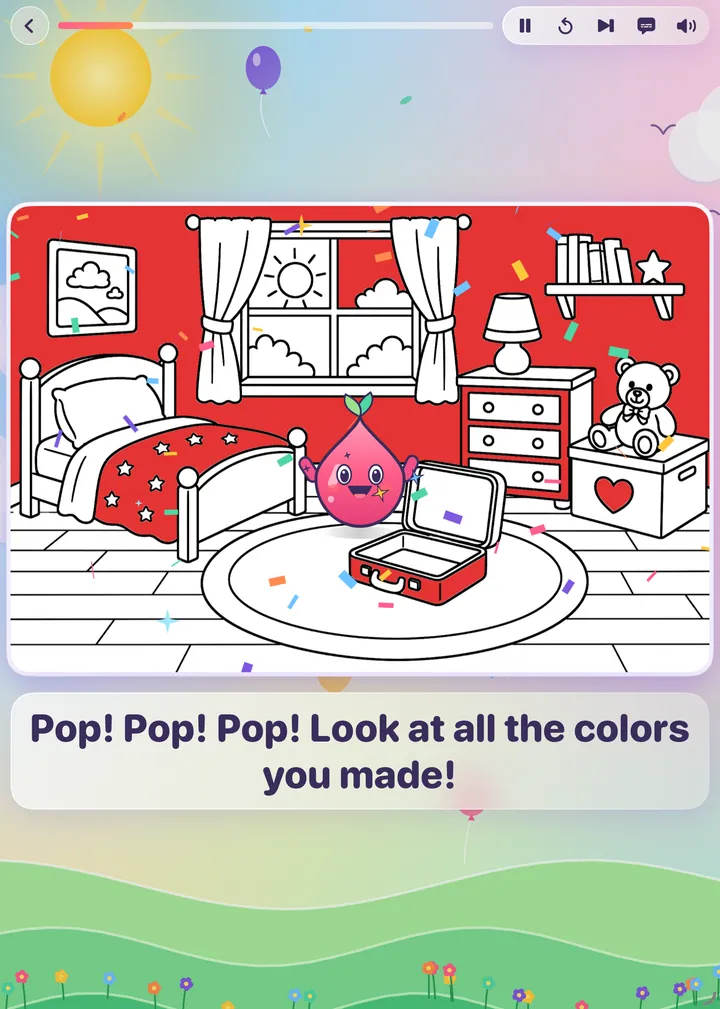
Join Dabby the paint drop and Hank the dog on a camping trip or a big cruise. Each chapter ends with a scene for your child to color.
Turn on numbers on any picture. Pick a color, tap its numbered spaces, and watch the true colors appear. Wrong taps get a gentle hint, never a scolding.
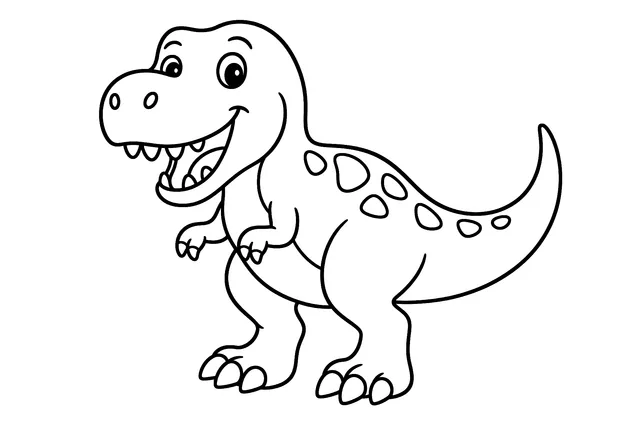
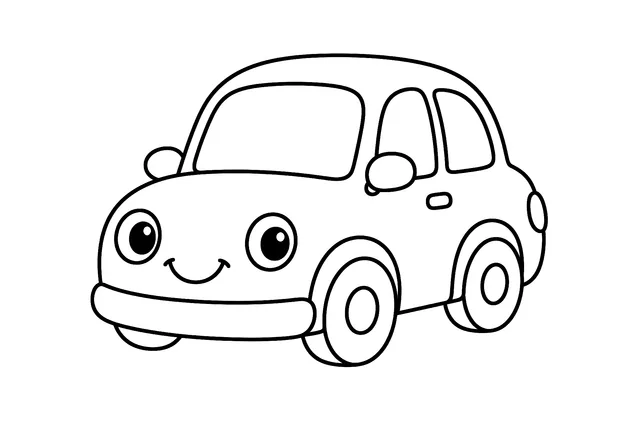
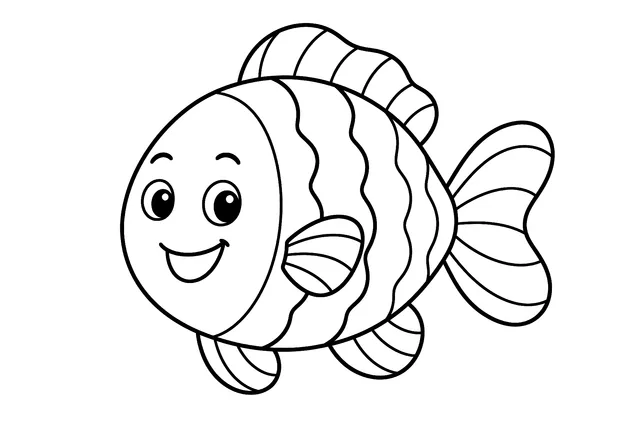
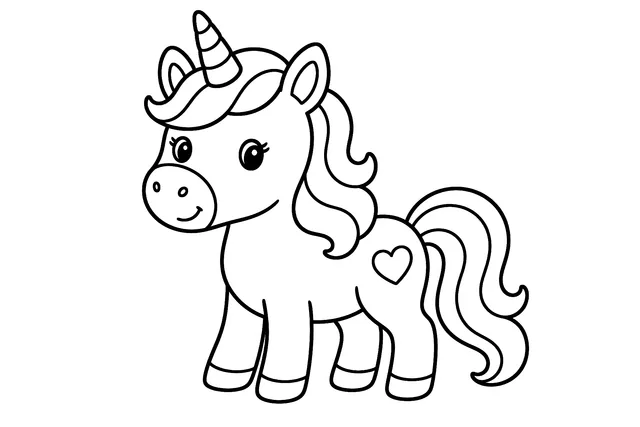
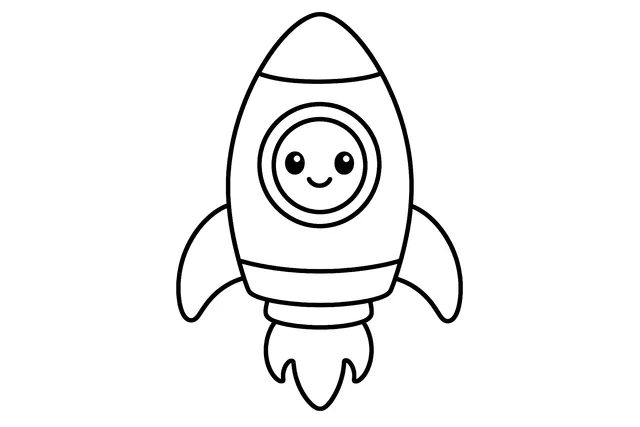
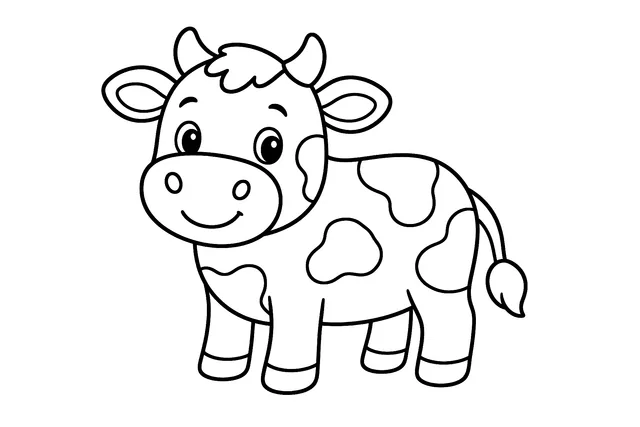
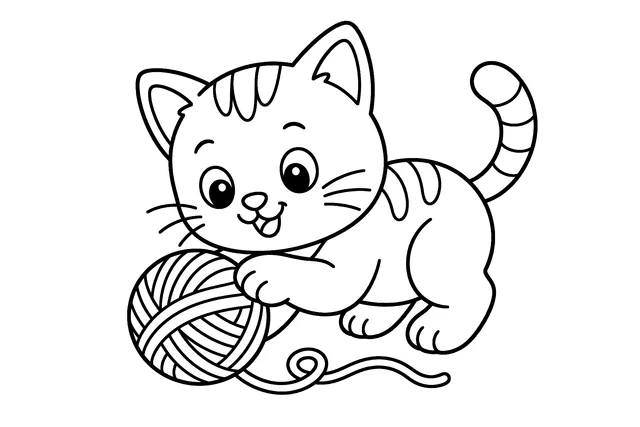
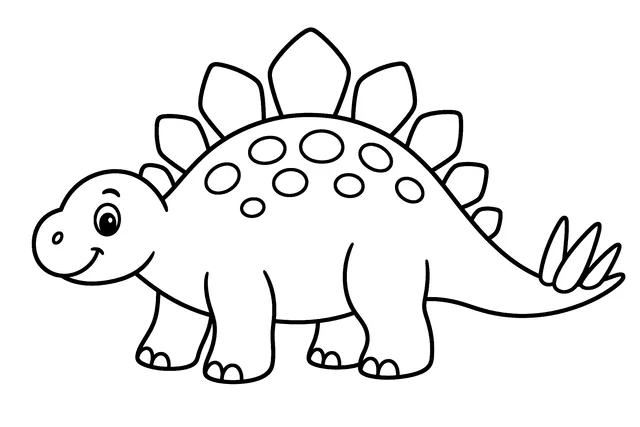
Nearly 300 original pages across eight worlds, from puppies and dinosaurs to rockets and cupcakes. Each one is drawn for kids, not borrowed.
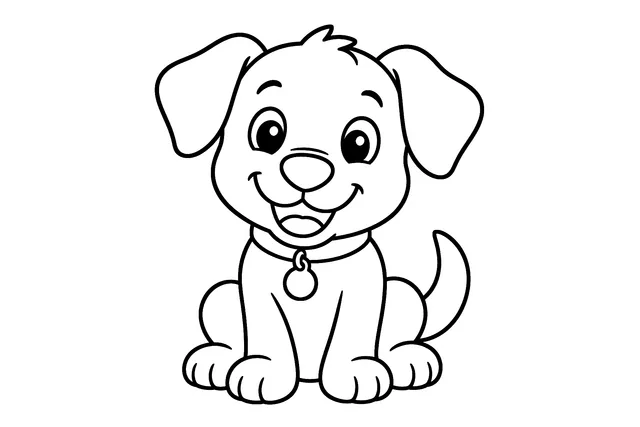
A grown-up can turn a photo of the dog, the grandparents or the birthday castle into a coloring page. Two photos are free to try.
The cat who ate the plant. The cousins at the beach. The castle from the trip. Coloring is more fun when it is about your family.
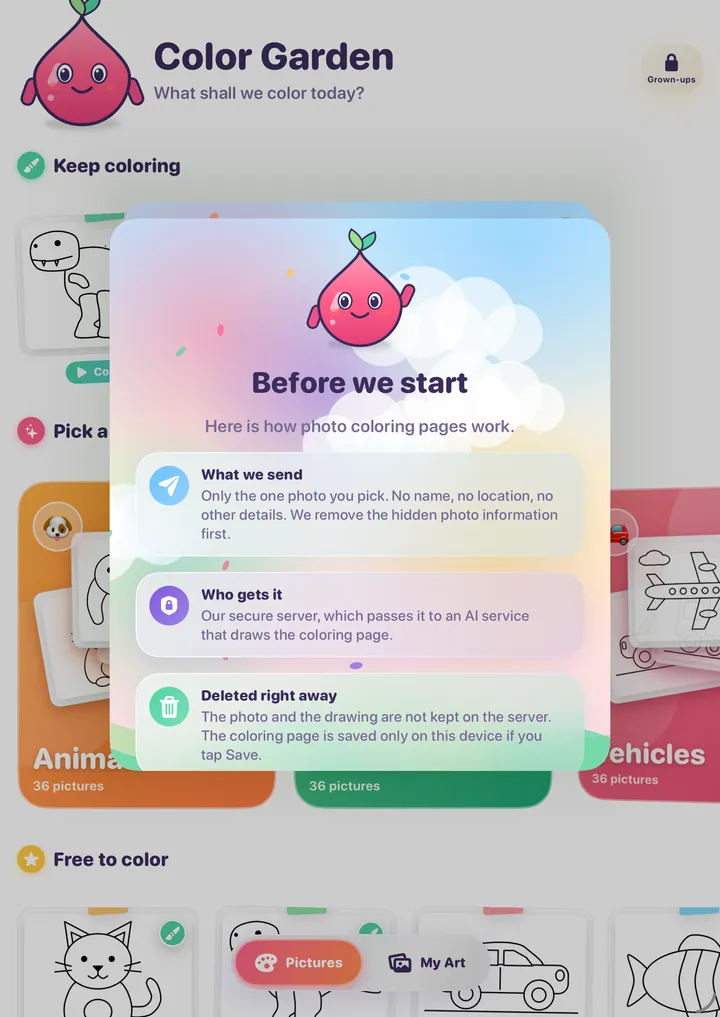
The grown-up notice, shown before any photo is sent.
In the Grown-ups area, behind the adult check, choose a photo or take a new one. Pick a style: Standard, Detailed or Scene.
The photo is shrunk, stripped of hidden details like location, safety-checked, and drawn as clean black lines. It takes about a minute.
Save it to My Photos and it becomes a coloring page like any other, ready for tap-to-fill, Pencil or paint by number.
Dabby is a little drop of paint with a big heart. Hank is her silver-gray dog and best friend. Together they go on adventures that your child brings to life with color.
Each chapter starts as a black-and-white animated scene. Then the story pauses and your child colors Dabby's world. When they are done, the story continues in their colors.

Free to download and free to color. Pay only if you want every picture, or custom photo pages.
$0 forever
$3.99 / month
or $19.99 a year. No weekly plan. Cancel any time.
From $1.99 / 12 credits
Optional credit packs. Premium does not include photo pages, because each one is custom-drawn for you.
Planned US prices; final prices are set in the App Store and shown before you buy. Standard pages cost 4 credits, Detailed and Scene pages cost 8. Credits are returned if a page cannot be made. Credit packs can't be shared through Family Sharing (that's an Apple rule), so credits stay with the device they were bought on.
Original line art in eight worlds: animals, dinosaurs, vehicles, ocean, fantasy, space, farm and food.


It is free to download. A good set of pictures and every tool, color and brush are free. A Premium subscription ($3.99 a month or $19.99 a year, with a 7-day free trial) unlocks all of the pictures. Turning your own photos into coloring pages is separate: every account gets 2 free photo pages to try, then uses optional credit packs. Prices shown are planned US prices; the App Store shows the final price before you buy.
No. Our server handles a photo in memory only while the page is being made, then discards it. It is never written to disk or kept in our logs. The finished coloring page is saved only on your device, and only if you tap Save. An outside AI service does the drawing, so read the privacy page for exactly what it receives.
Credit packs can't be shared through Family Sharing; that's an Apple rule for this kind of purchase. Credits stay with the device they were bought on, so each family member's device has its own balance. Buy credits on the device that will make the coloring pages.
No ads, no tracking, and no analytics or advertising tools in the app. This website sets no cookies and uses no ads or cross-site tracking.
Color Garden is coming soon to the App Store for iPad and iPhone.
Coming soon to theApp Store
Coming soon to the App Store. Questions? support@colorgardenapp.com